Tender 3: Program, summary, Tender AI and PDF export
The last step: add the supporting content your client needs, let AI help with the wording, and produce the submission.
 Video coming soon
How to
- 1
Insert live blocks
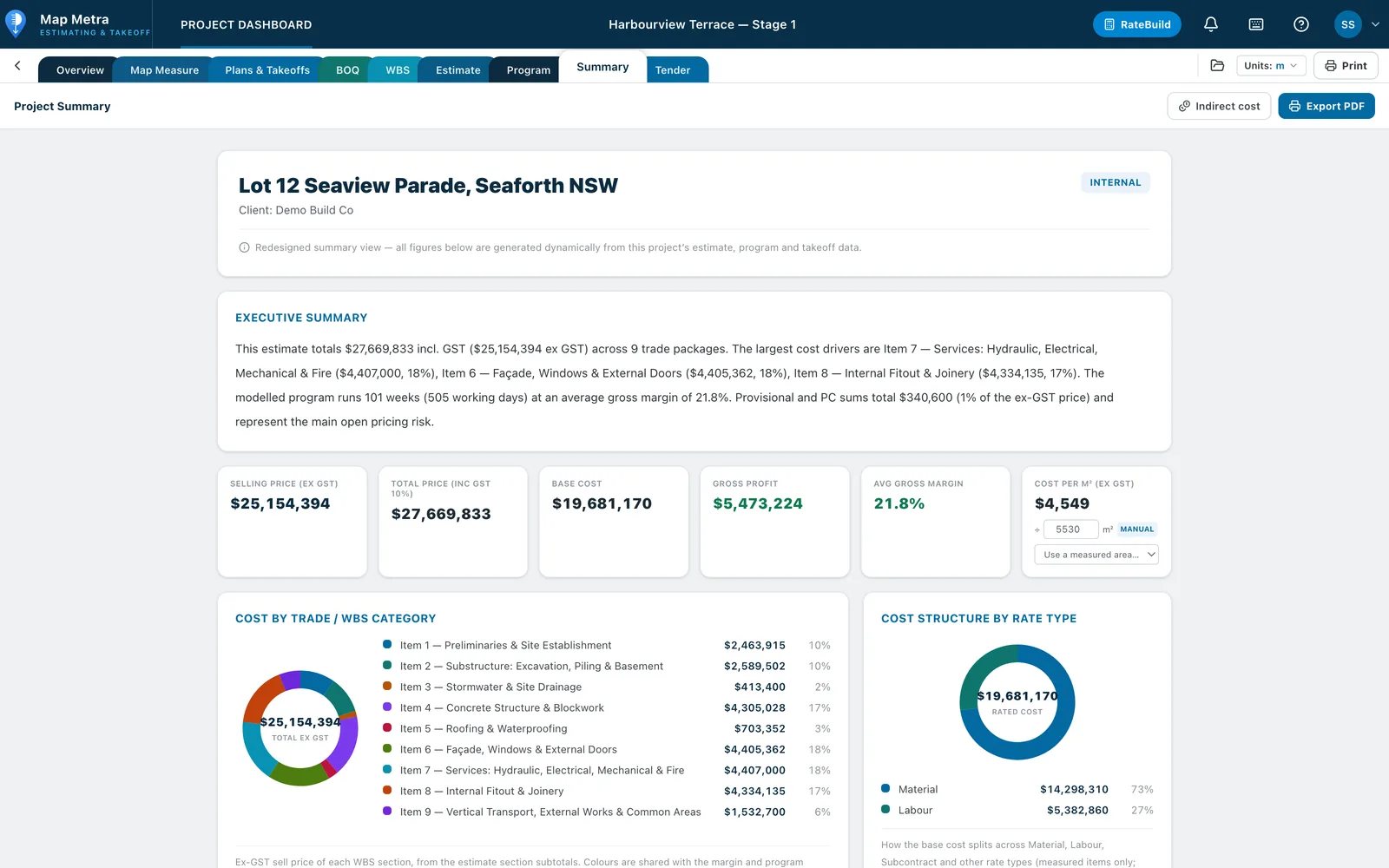
Insert the Program Gantt, Summary charts, Map Measure aerial, insurances and licences, images or tables.
- 2
Snapshot the program
Use Snapshot on the Gantt block for a clean image in the submission.
- 3
Draft with Tender AI
Let Tender AI draft or rewrite sections such as the access methodology; one Undo reverts all of its edits.
- 4
Export
Print or export the whole tender as a PDF ready to submit.